.png)
Modern data-driven applications rarely rely on a single type of data view. Dashboards, tables, widgets, and analytical screens all present information in different ways - and each of them requires a slightly different approach to sorting and filtering. In one of our recent client projects, we faced exactly this challenge. The product operates across multiple data views and integrates with several external data sources, requiring flexible yet consistent ways of sorting and filtering information.
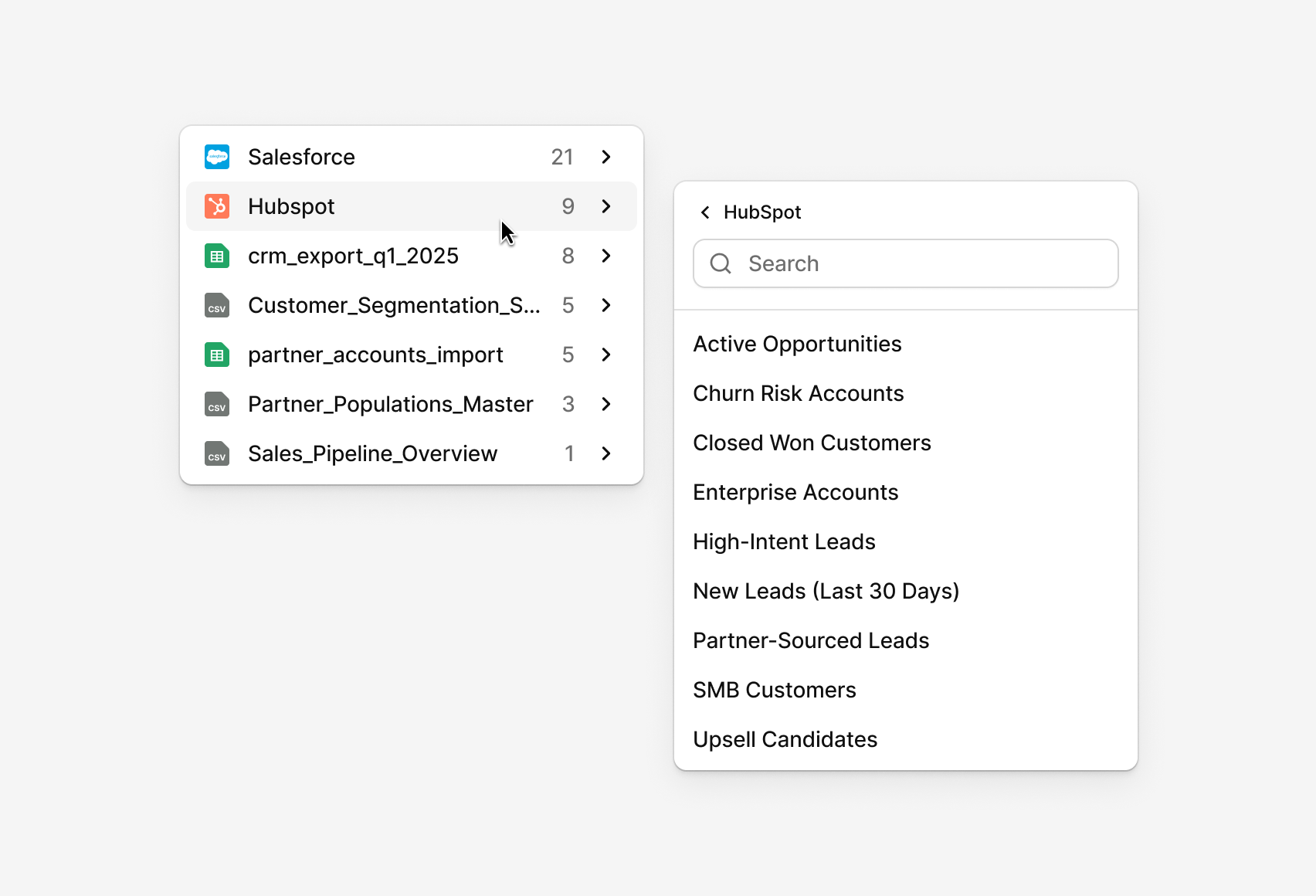
The product works with multiple data sources, including CRM systems, Google Sheets, and CSV files. This means:
- large datasets,
- dozens (sometimes hundreds) of available fields,
- and very different user needs depending on the current view.
Our goal was not to design one-off solutions per screen, but to create a scalable sorting and filtering pattern that works across the entire application - flexible enough for advanced use cases, yet simple enough to be reused consistently by designers and developers.
The core challenge
The main challenge wasn’t how to sort or filter data - that part is well understood.
The real challenge was:
- How do we design components that scale across different views?
- How do we support both simple and advanced users?
- How do we avoid cluttering the UI while still offering powerful data exploration tools?
- And how do we make the system flexible enough so designers can adapt it to new views without reinventing the pattern every time?
We approached this by clearly separating levels of complexity - starting with sorting, and then moving into filtering.
Sorting: simple when possible, powerful when needed
Sorting is often underestimated, but it plays a crucial role in how users scan and interpret data. We identified two distinct sorting patterns, each optimized for a different context.
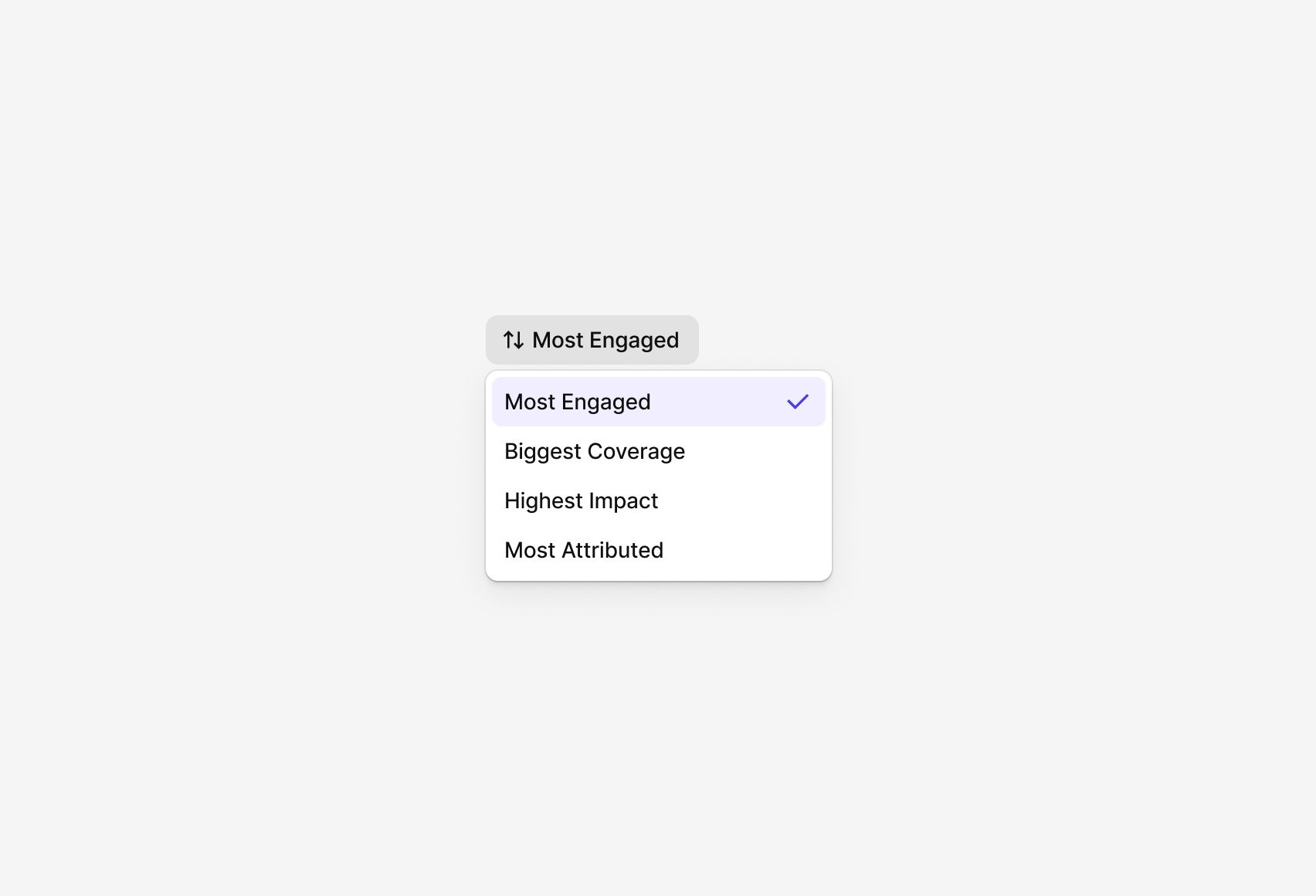
1. Simple sorting (formerly "Quick Sort")
This type of sorting is designed for dashboards, widgets, and performance views, where clarity and speed matter more than flexibility.
Key characteristics:
- Users select from a predefined list of sorting criteria
- No ASC/DESC toggle - the order is defined by business logic
- The list of options is fixed and intentionally limited
- Changing sort direction would add no value or could even be misleading
This approach removes unnecessary decisions and ensures consistent interpretation of the data.
2. Table sorting ("Column-based sorting")
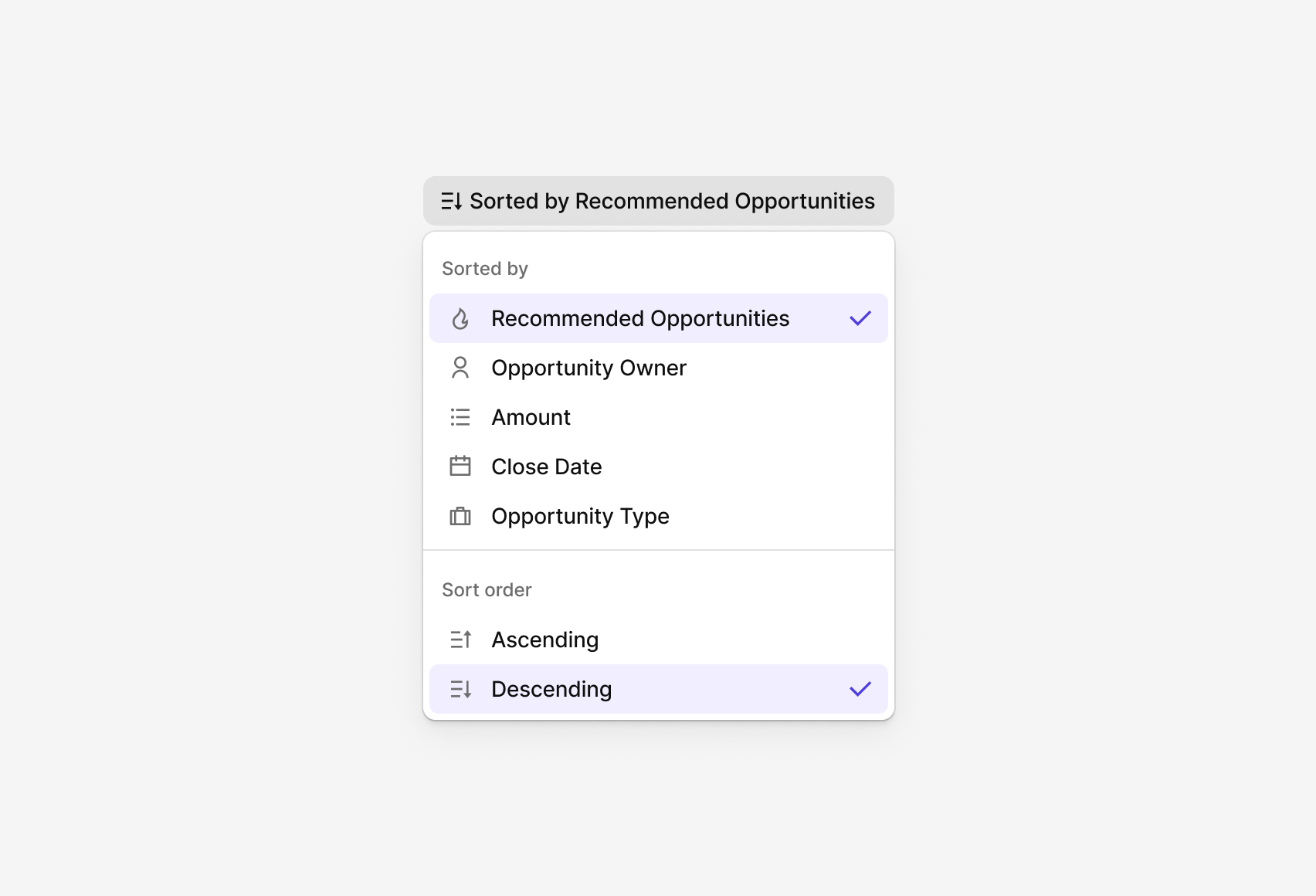
In advanced table views, users expect full control over how data is ordered.
Key characteristics:
- Sorting is applied directly on table columns
- Users can toggle between ascending and descending
- Multiple potential sorting criteria are available
- Designed for data exploration and comparison
This pattern gives users flexibility without introducing unnecessary complexity in simpler views.
Filtering: from instant access to advanced logic
Filtering is where complexity grows quickly - especially when working with rich, multi-dimensional data. To manage this, we designed progressive filtering patterns that evolve with the user’s needs.
1. Quick Filters
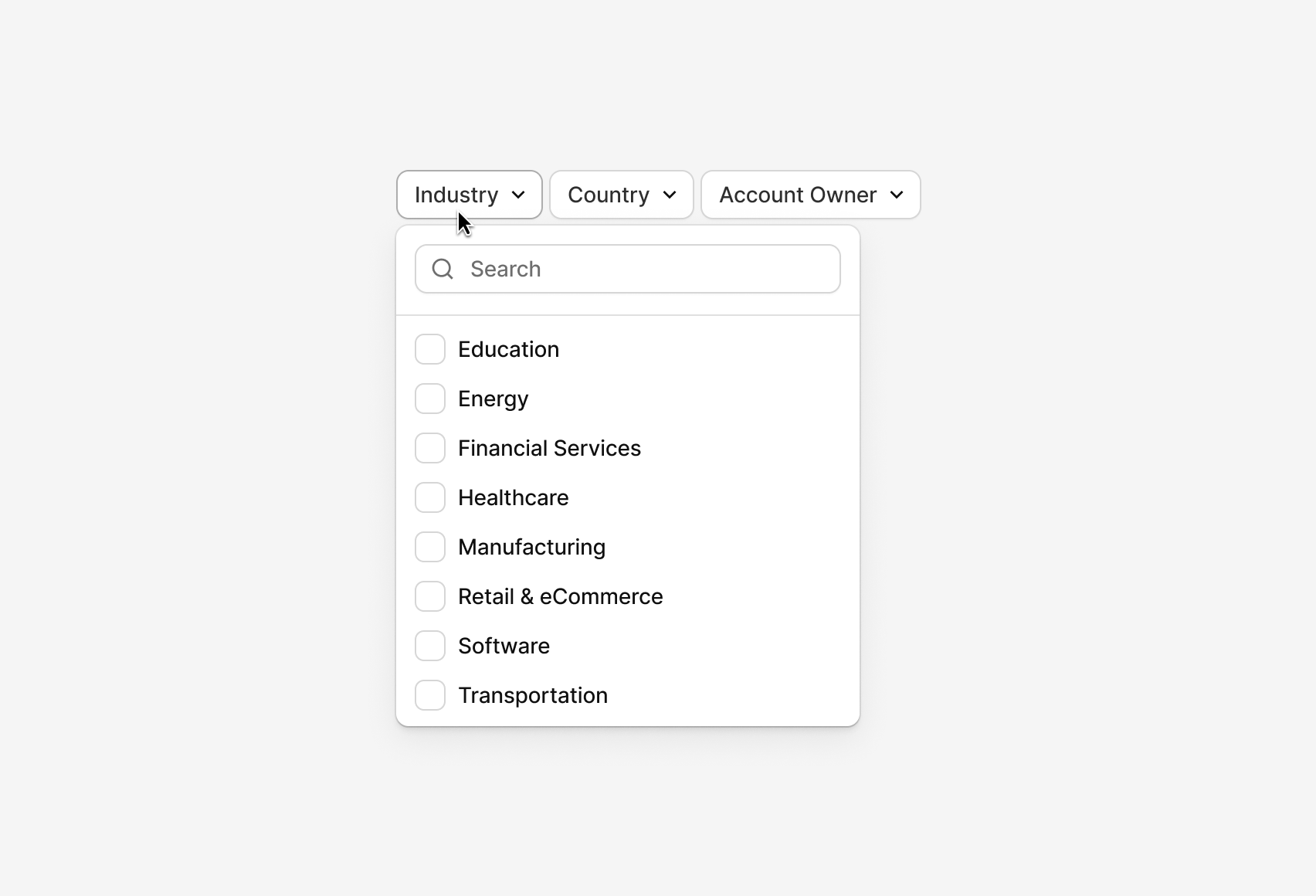
Quick Filters are designed for speed and visibility.
Key characteristics:
- A small, predefined set of filters
- Applied instantly
- Displayed side by side in the interface
- No complex logic, operators, or combinations
These filters work best when users need fast answers to common questions.
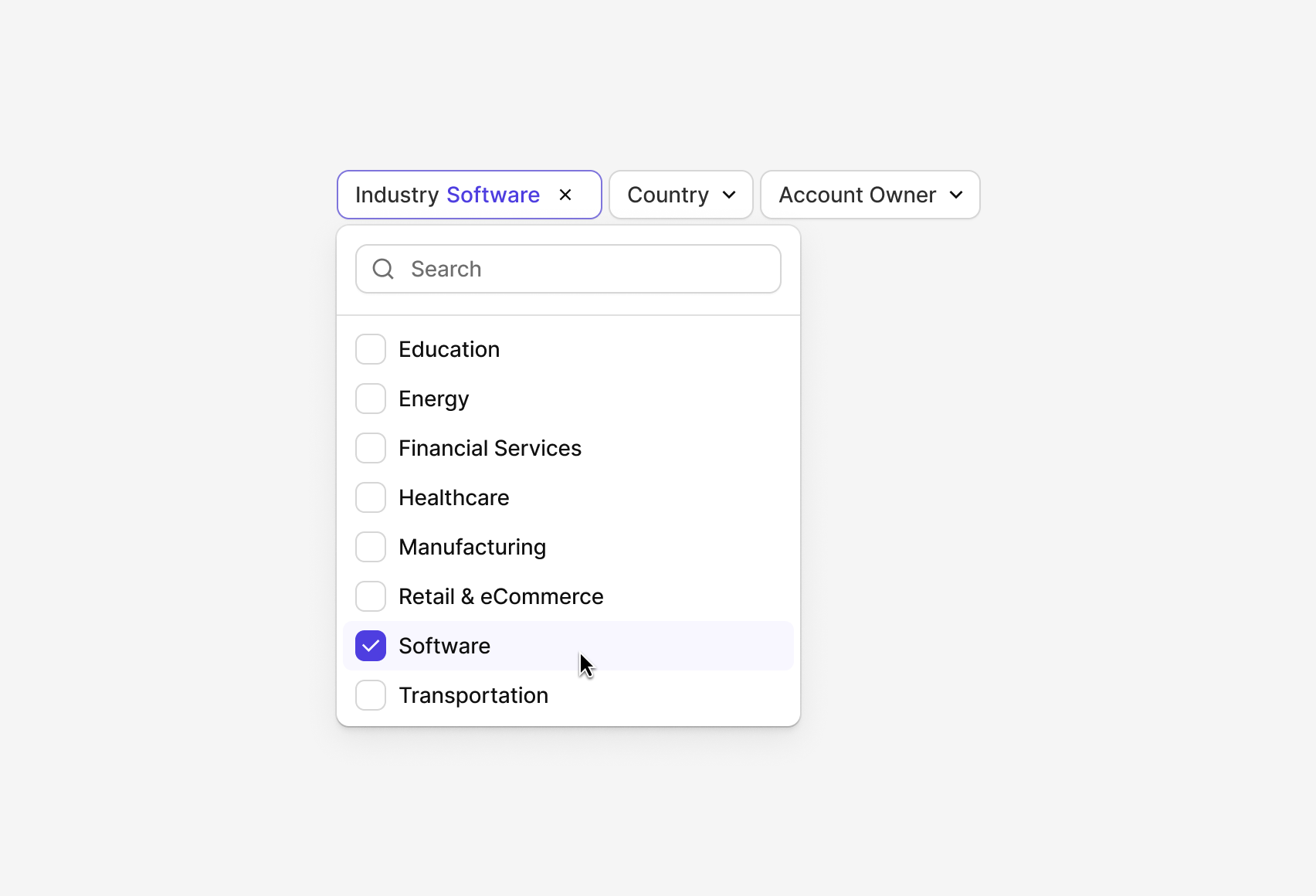
2. Condensed Filters (Dropdown-based)
When the number of available filters grows, displaying everything at once quickly becomes overwhelming. This is where Condensed Filters come in.
Key characteristics:
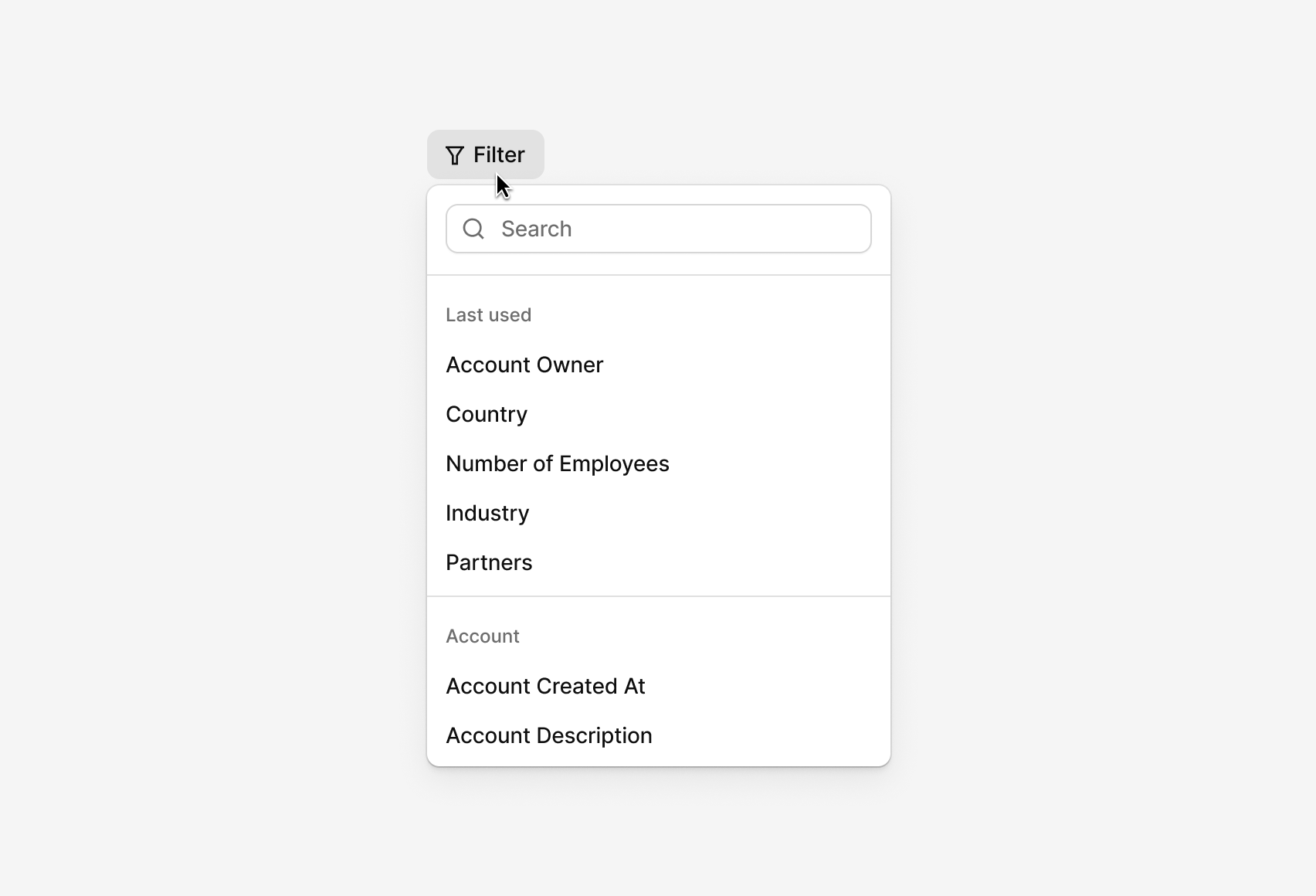
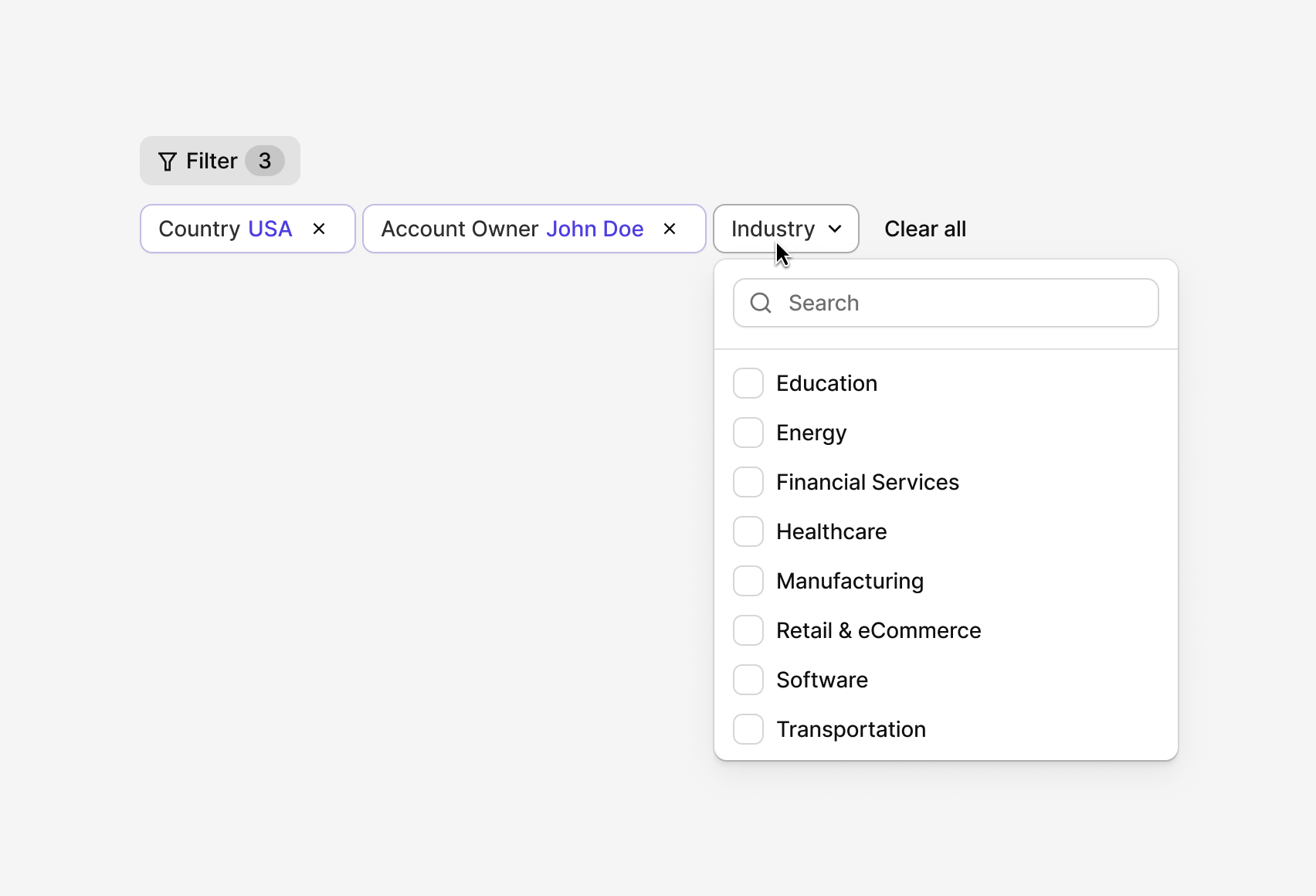
- Filters are accessed via a “Filters” button
- The list of available filters is shown in a dropdown
- Selected filters appear as pills in the interface
- Values are selected through contextual dropdowns
- Balances speed with flexibility
This pattern keeps the UI clean while still allowing powerful filtering.
From condensed to advanced filtering
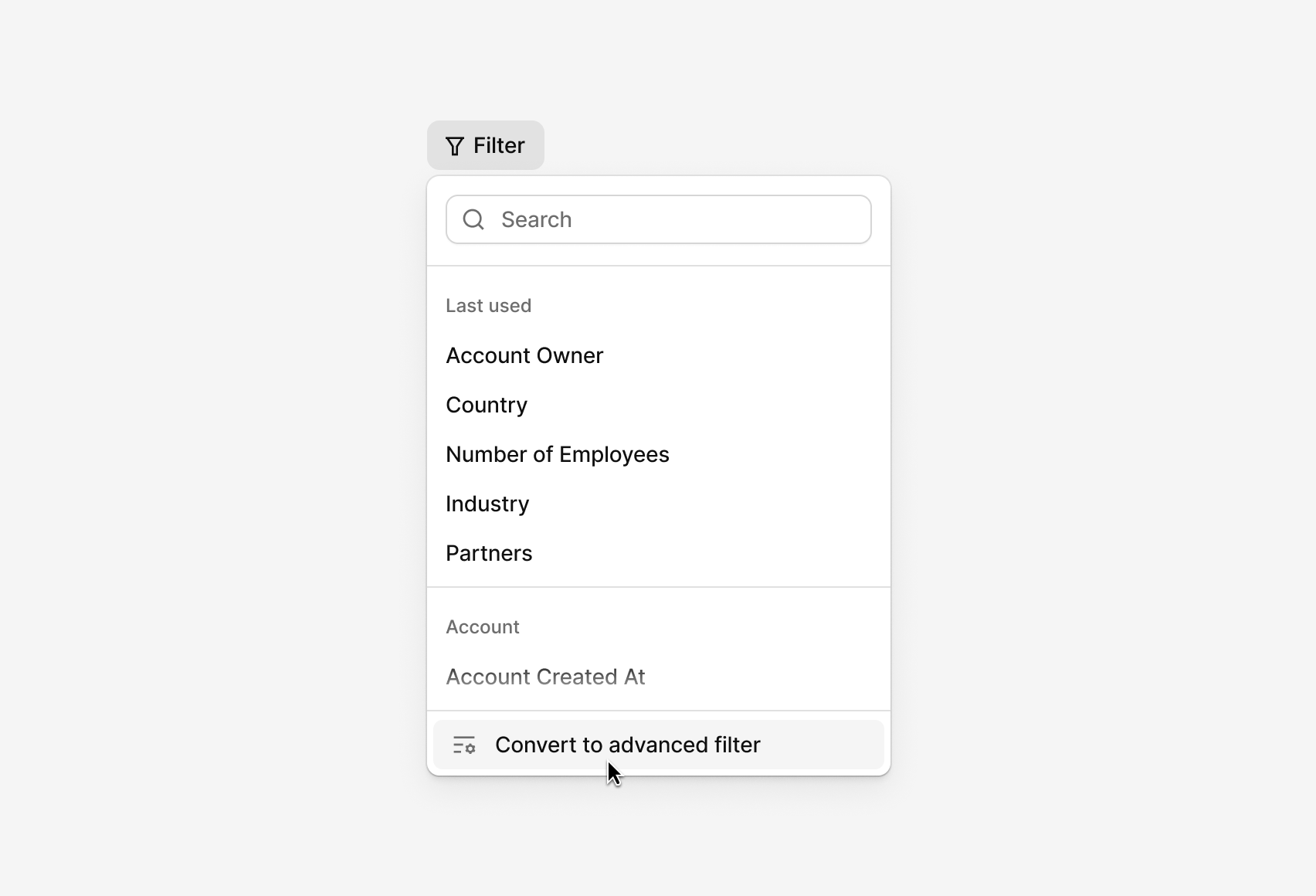
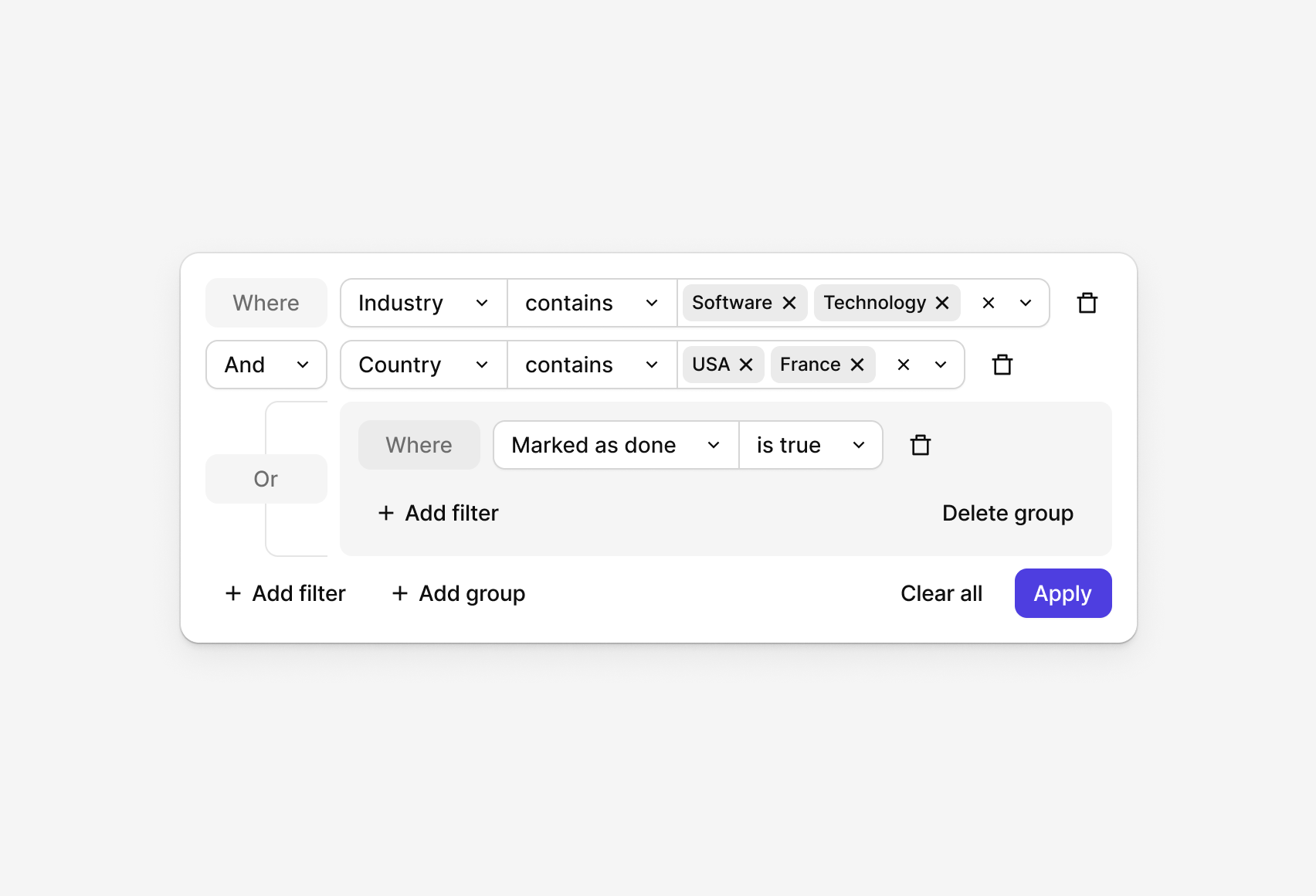
Some users need more than just field–value matching. They need logic. For those cases, Condensed Filters can be converted into an Advanced Filtering view.
Advanced Filters support:
- Multiple rules and conditions
- Logical operators
- Grouping
- Complex queries across large datasets
This allows power users to build precise data queries without forcing that complexity onto everyone else.
Why this pattern works
The strength of this approach lies in progressive disclosure:
- Simple views stay simple
- Advanced functionality is available when needed
- The same underlying system adapts to multiple contexts
For designers this means:
- One consistent pattern across the product
- Flexible building blocks instead of rigid components
- Faster implementation of new views
For users, it means:
- Less cognitive load
- Clear, predictable interactions
- Powerful tools that don’t get in the way
Built on our design system, Wideset
All sorting and filtering patterns presented in this article were designed and documented using Wideset, our Figma-based design system. Wideset helps teams build consistent, scalable interfaces faster, especially in data-heavy products where flexibility and precision matter. It’s designed to adapt to different industries, use cases, and product complexities, while keeping a strong focus on detail and usability.

.png)